Civil takeoff software for Mac
Civil takeoff software for Mac from Zip Takeoff runs in your browser. Measure areas, lengths, and counts on PDF plans, organize quantities by pay item, and export to Excel. Your projects are available from the same account on Mac and Windows.
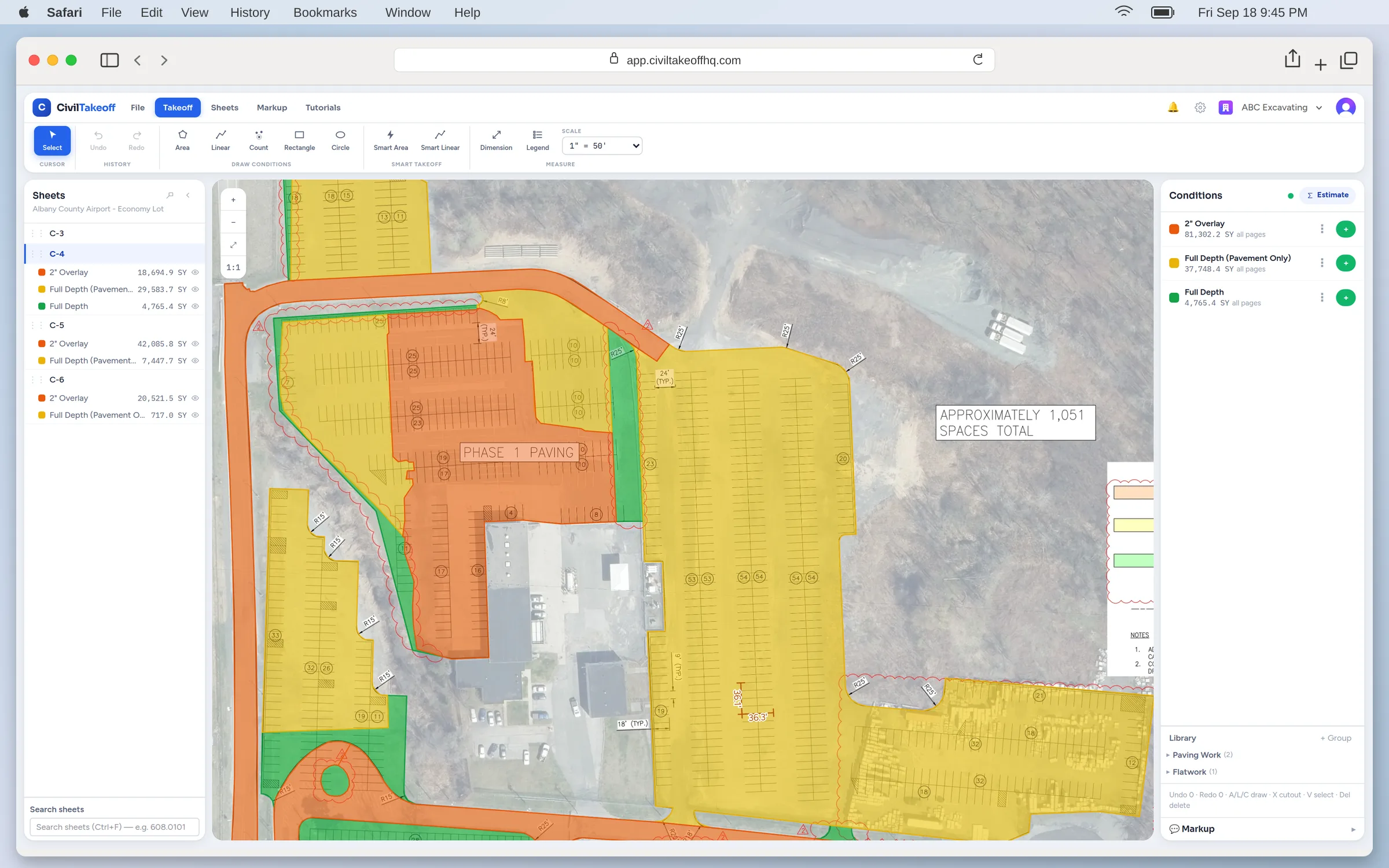
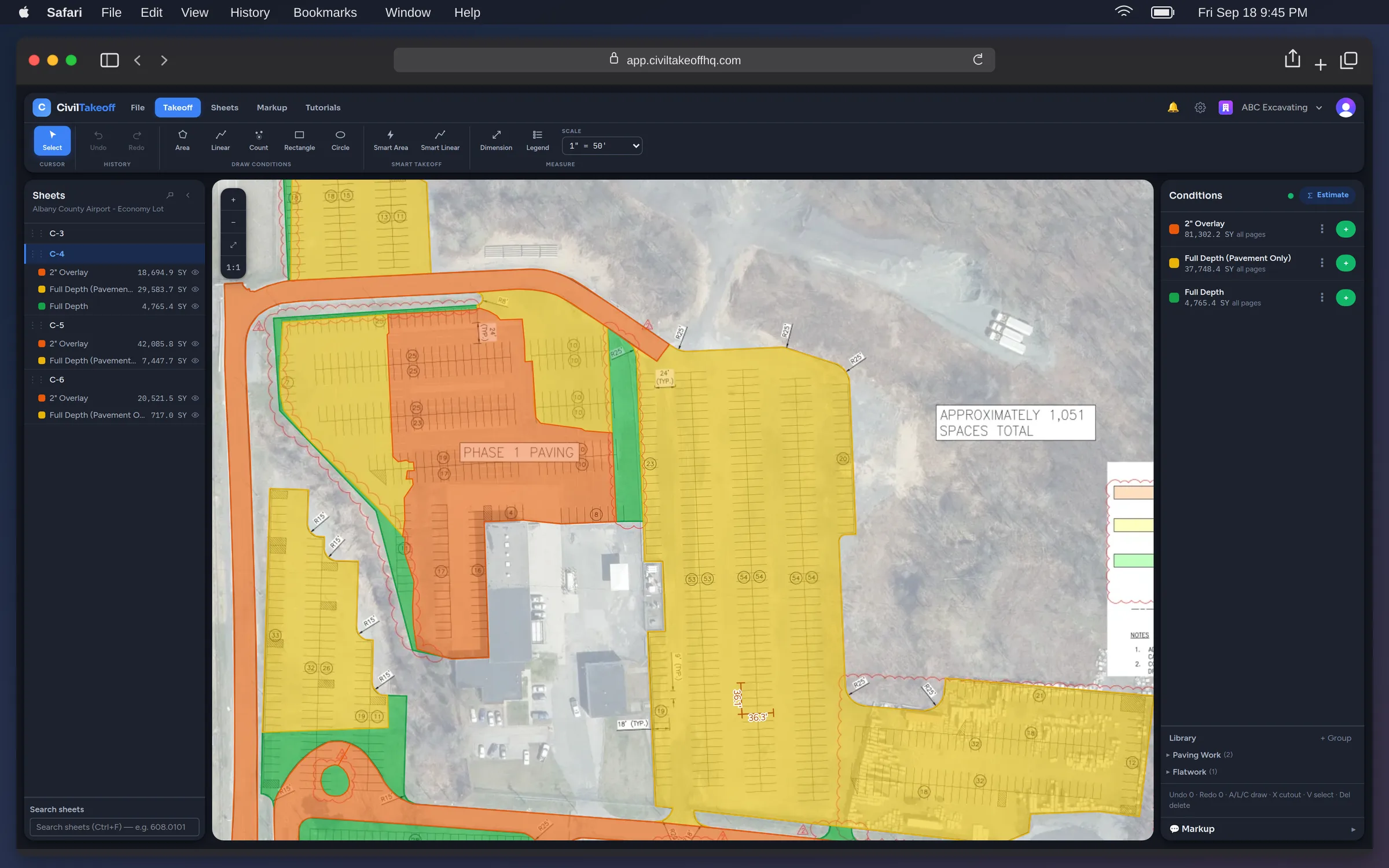
Measure plans and export quantities
Zip Takeoff measures civil quantities from PDF plans in the browser: areas, lengths, and counts with vertex editing, automatic area pickup on supported vector sheets, scale read from the title block with your confirmation, and full-text search across the set. Quantities organize by pay item and export as XLSX that opens in Excel for Mac like any other spreadsheet.
Sign in from another computer to continue work on the same project. A team with Pro estimator seats can measure and edit together across Mac and Windows. Invite free viewers when someone only needs to review the sheets and quantities.
File and connection requirements
- Set scale on each sheet. Calibrate against a known dimension before measuring.
- No surface-based cut and fill. Surface-based earthwork volumes require a separate tool.
- Automatic pickup needs vector PDFs. Scanned sheets calibrate and measure by hand.
- An internet connection is required. Use the app in your browser on Mac or Windows.
Comparing tools first? The comparison pages cover the measurement and export workflows.
Takeoff software for Mac: where each product runs
Many takeoff programs were built for Windows. On a Mac they need Windows running in a virtual machine or over remote desktop, plus a Windows license. Browser-based tools open on a Mac directly. This is where each product we compare runs, from the vendor’s own documentation.
| Product | Where it runs |
|---|---|
| Zip Takeoff | In a browser on Mac or Windows. Requires an internet connection. |
| PlanSwift | Windows desktop software; Macs need a Windows environment. |
| ZZTakeoff | Browser takeoff with simultaneous editing. |
| Bluebeam | Revu runs on Windows; separate web and mobile tools are available. |
| STACK | Online access with real-time team collaboration. |
| AGTEK | Gradework software connects with AGTEK cloud and mobile tools. |
| InSite Elevation | Elevation Pro uses cloud licensing; its price sheet allows two installs for one concurrent user. |
| HCSS HeavyBid | HeavyBid Desktop and a web-based version. |
| B2W Estimate | Trimble offers cloud delivery; Professional adds mobile estimating. |
| Active Takeoff | Installed Windows software. On a Mac it runs through Parallels, VMware, Boot Camp, or remote desktop, with a Windows license. |
Mac questions
- How do I use Zip Takeoff on a Mac?
- Open Zip Takeoff in your browser and sign in. Upload a plan PDF, set its scale, and start measuring. No desktop installation or Windows virtual machine is required.
- Is there a separate Mac version?
- No. Mac and Windows users access the same web application and project data.
- Can I open the export in Excel for Mac?
- Yes. Quantities export as XLSX with pay-item names, units, and separate Base Bid and Alternate totals.
- Can Mac and Windows users work together?
- Yes. With Pro estimator seats, people on either platform can measure and edit the same project. Free viewer seats let others review sheets and quantities.
- Which other takeoff software runs on a Mac?
- ZZTakeoff and STACK run online in a browser. PlanSwift, Active Takeoff, and Bluebeam Revu are Windows programs; on a Mac they need Windows through a virtual machine or a similar setup, and Bluebeam also offers separate web and mobile tools. The table on this page lists where each product runs.
- Does it work offline?
- No. You need an internet connection to use the app.
- What does it cost?
- Free includes 10 projects, 5 GB of plan storage, and 1 estimator seat, with no credit card required. Pro is $39/month or $390/year per estimator seat.
No credit card required.
Try our free tier